Use this method if you are a delegate for another user’s mailbox or when you have permissions to several folders in a shared mailbox. You can also use this method when you have full access permissions to a mailbox.
To access a shared mailbox using Outlook on an Apple Mac, follow these steps.
On the Tools menu, click Accounts > Advanced > Delegates.
In the Accounts window highlight your Microsoft Exchange account and select Advanced.
In the Advanced window select the Delegates tab.
Navigate to the People I am delegate for section.
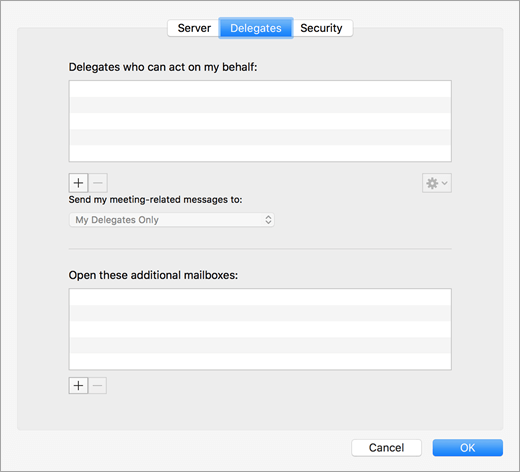
Click Add or + button. In the Select Users search field; enter the shared mailbox email address and then click then click Find.
Highlight the mailbox name then click OK and OK to close all previous windows.
You will now have a permanent link to the shared mailbox in your mail folder hierarchy.