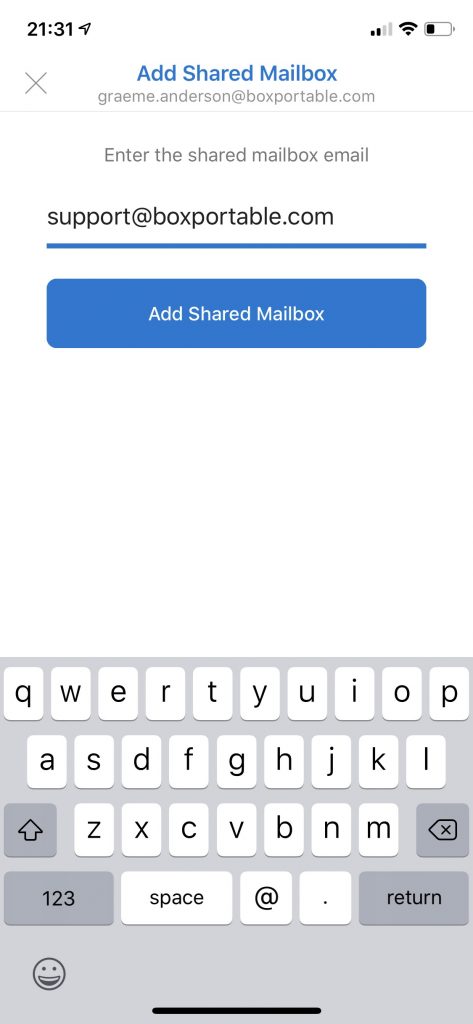
Before you can add a shared mailbox to Outlook mobile, you should meet these criteria:
- The shared mailbox must already exist within Exchange Online. Outlook mobile can only access shared mailboxes; it can’t create a new shared mailbox.
- Your primary mailbox must be in Exchange Online.
- You must already have been granted permission to access shared mailbox. In addition, if you want to send from Outlook Mobile as the shared mailbox, your account must hold Send As permission for the mailbox.
- You must know the primary email address of the shared mailbox.
Assuming you meet the above criteria the process to add access to the shared mailbox is relatively simple.
To access a shared mailbox on a mobile device, use the following steps.